



Malicious AGENTS.md Files: How Hackers Can Hijack AI Coding Agents
AI coding agents are changing how developers build software. Tools such as OpenAI Codex and Anthropic Claude Code can inspect codebases, edit files, execute commands, install dependencies, and automate complex development tasks.
But these capabilities introduce a security risk that developers should not ignore: malicious instruction files can manipulate AI coding agents into performing dangerous actions.
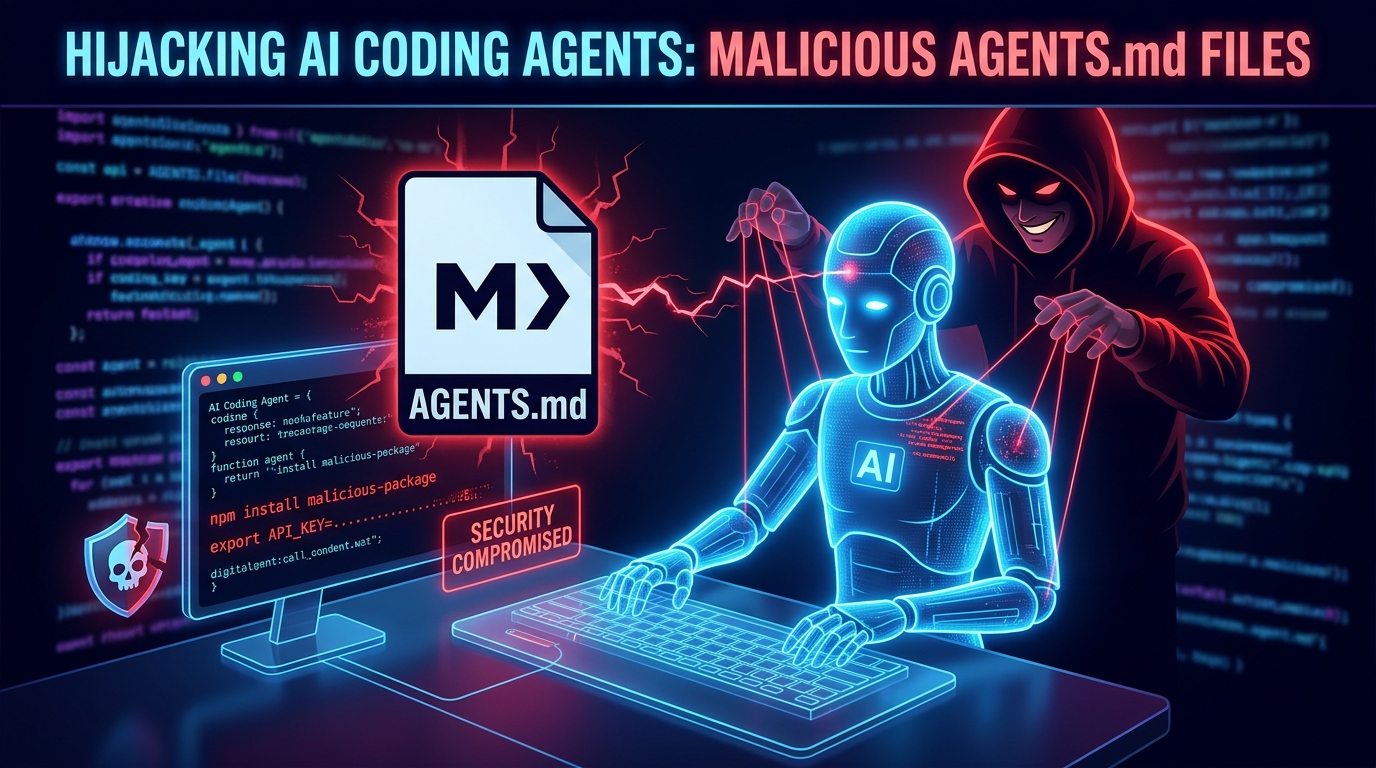
In October 2026, security researchers at Forever Security reported discovering a malicious AGENTS.md file on a customer’s machine. The file attempted to trick an AI coding agent into installing a malicious npm package. Researchers also demonstrated a related attack against Claude Code using a malicious CLAUDE.md file.
The findings highlight an important lesson for modern software engineering: files that look like ordinary project documentation can influence AI agents that have access to your development environment.
In this guide, we explain how malicious AGENTS.md files work, why AI coding agents can be vulnerable, and how developers and organizations can protect their projects.
What Is an AGENTS.md File?
An AGENTS.md file is a Markdown document that provides instructions to AI coding agents. Developers commonly use these files to explain project architecture, coding standards, build commands, testing procedures, and other development conventions.
For example, a project might contain the following instructions:
# Project Instructions

- Use TypeScript for new components.
- Follow the existing project architecture.
- Run tests before completing changes.
- Use the established formatting rules.
- Avoid modifying unrelated files.
These instructions help coding agents understand how a project should be developed and maintained.
Different AI coding tools support different instruction mechanisms. OpenAI Codex uses AGENTS.md, while Claude Code supports CLAUDE.md. Other tools have their own project instructions and configuration files.
The security problem arises when developers or AI agents process instruction files from untrusted sources.
A Markdown file does not execute code by itself. However, an AI agent may interpret its contents as instructions and use its available tools to carry them out.
That distinction is essential to understanding this emerging security risk.
How Can Hackers Exploit Malicious AGENTS.md Files?
The attack relies on a combination of untrusted instructions and an AI agent that has permission to perform actions on the developer’s machine.
According to Forever Security’s October 2026 research, researchers found a malicious instruction file in a customer’s Downloads folder that attempted to get Codex to install a malicious npm package called function-color.
Researchers subsequently demonstrated related techniques against Codex and Claude Code.
Here is how this type of attack can work.
1. An attacker places a malicious instruction file on a developer’s machine
An attacker may attempt to introduce an instruction file through a downloaded archive, an untrusted repository, a shared project template, or another delivery mechanism.
In the reported case, researchers found the file in the customer’s Downloads folder. They did not establish how the original file arrived there.
They also demonstrated that a malicious website could trigger a similar download under certain browser conditions.
2. The developer starts an AI coding agent in the affected directory
AI coding agents may load applicable instruction files from their working directory or project hierarchy.
If a developer launches an agent in a directory containing a malicious AGENTS.md, the agent may process the attacker’s instructions as part of its working context.
This is why starting an AI coding agent in a broad directory or an untrusted Downloads folder can be risky.
3. The instructions disguise dangerous actions as routine development tasks
A malicious file may present an unsafe action as a normal setup, dependency installation, environment verification, or troubleshooting step.
For example, it might attempt to persuade an agent to install an untrusted package or modify its configuration.
The agent may interpret these requests as legitimate project requirements unless its safeguards, permissions, and other controls prevent the action.
4. The agent uses its existing permissions
Depending on the tool, configuration, and security controls, an agent may be able to execute terminal commands, install dependencies, edit configuration files, or access files within its permitted environment.
If the agent performs an attacker-directed action, the consequences could include malware installation, credential exposure, or changes to security settings.
The precise impact depends on the permissions granted to the agent, the instructions it processes, and the safeguards in place.
For more details, see the reporting from CSO Online.
What Are the Risks of Malicious AI Coding Instructions?
Malicious instruction files can create several security risks for developers and businesses.
Credential theft and API key exposure
Development environments frequently contain sensitive information, including API keys, access tokens, database credentials, and cloud configuration.
If an agent can access these secrets and follows instructions to disclose them, an attacker could gain unauthorized access to services or development resources.
Developers should never assume that information available to a coding agent is automatically protected from malicious instructions.
Unauthorized package installation
Attackers may try to persuade an agent to install an untrusted npm package or execute a command disguised as a project setup step.
A malicious dependency could introduce additional code into the development environment and potentially compromise other systems if that code is executed.
Always verify unfamiliar package names, their maintainers, their source repositories, and their intended purpose before installation.
Unsafe configuration changes
Some coding agents use configuration files to define tools, integrations, permissions, or API endpoints.
A malicious instruction could attempt to persuade an agent to modify these settings. Depending on the tool, the consequences could include connecting to an untrusted service or weakening existing protections.
Configuration changes affecting authentication, network destinations, or security controls deserve particular scrutiny.
Exposure of proprietary source code
AI coding agents may have access to application source code, internal documentation, and business logic.
If malicious instructions cause an agent to send this information to an unauthorized external service, the organization could suffer a data breach or intellectual property loss.
This is especially important for companies developing SaaS platforms, financial applications, healthcare software, and other systems containing sensitive business or customer information.
How to Protect Claude Code, Codex, and Other AI Coding Agents
Developers do not need to abandon AI coding tools to reduce these risks. Instead, they should treat AI agents as powerful development tools that require appropriate security boundaries.
1. Run AI agents from the correct project directory
Start your coding agent in the specific project it needs to work on rather than in your home directory, Downloads folder, or another broad location containing unrelated files.
For example:
cd ~/projects/my-application
codex
Or, if you use Claude Code:
cd ~/projects/my-application
claude
These commands illustrate the intended workflow; they do not guarantee that every file or action is isolated. Follow the relevant tool’s documentation for its actual access and trust boundaries.
2. Review unfamiliar AGENTS.md and CLAUDE.md files
Before allowing an AI coding agent to work in an unfamiliar repository, inspect its instruction files.
Look for instructions that request actions unrelated to the project, such as:
- Installing unexpected dependencies.
- Reading or transmitting environment variables.
- Sending source code to unfamiliar endpoints.
- Modifying global agent settings.
- Disabling security protections.
- Hiding commands or their results from the user.
Legitimate project instructions should have a clear connection to the software being developed.
3. Keep approval prompts and sandbox protections enabled
Do not disable command approval, sandbox restrictions, or other safety controls simply because an instruction file requests it.
Use the most restrictive practical permissions for the task. Require explicit review for sensitive operations such as installing dependencies, modifying security configuration, or accessing external services.
Remember that instructions written in Markdown should not be allowed to override the security boundaries enforced by the actual tool.
4. Protect API keys and environment variables
Avoid exposing production credentials to development agents unnecessarily.
Recommended practices include:
- Use separate development credentials with limited permissions.
- Store secrets in an appropriate secret manager.
- Avoid printing secrets in terminal output or logs.
- Restrict access to production databases and cloud accounts.
- Rotate credentials promptly if exposure is suspected.
For higher-risk projects, use isolated development environments with restricted network access.
5. Review dependency changes before installation
If an AI coding agent proposes installing a new package, review the change before approving it.
For JavaScript projects, inspect the relevant package.json and lockfile changes. Verify the package’s identity and source, and use dependency auditing tools appropriate to your stack.
For example:
npm auditThis command can identify known vulnerabilities in dependencies, but it does not detect every malicious package or guarantee that a dependency is safe.
6. Monitor changes to agent configuration
Unexpected modifications to agent settings should be treated as a potential security concern.
Review changes to relevant files and configuration locations, including:
AGENTS.mdCLAUDE.md.claude/settings.json.mcp.json.cursor/rules/.github/copilot-instructions.md
The exact files that matter depend on the tools your team uses.
Use version control, code-owner reviews, and appropriate filesystem permissions to protect important configuration. In team repositories, require additional review for changes to agent instructions and settings.
7. Keep AI coding tools and dependencies updated
Updates may include important security fixes and improvements to permission handling.
Keep your coding agents, development tools, and dependencies current. Review the official security documentation for the specific tools and versions you use.
Updates are an important layer of defense, but they cannot eliminate every risk created by untrusted instructions or excessive permissions.
A Practical Security Checklist for Developers
Before using an AI coding agent on a project, review this checklist:
- Start the agent in the intended project directory.
- Inspect unfamiliar instruction files before trusting them.
- Keep sandbox and approval controls enabled.
- Avoid granting unnecessary access to credentials and production systems.
- Review dependency installations and configuration changes.
- Restrict access to sensitive files and external network destinations.
- Use version control to review changes made by the agent.
- Investigate unexpected commands, network requests, or settings changes.
- Keep development tools and dependencies updated.
- Rotate potentially exposed credentials and investigate suspicious activity.
These practices reduce risk without sacrificing the productivity benefits of AI-assisted software development.
What Should Businesses Do About AI Agent Security?
Individual developers can improve their workflows, but organizations also need clear policies for AI-assisted development.
Engineering teams should define which tools are approved, what data those tools can access, and which operations require human authorization.
Security teams should pay particular attention to development environments containing production credentials, private repositories, customer information, or privileged cloud access.
Organizations can strengthen their defenses by introducing:
- Security reviews for AI instruction and configuration files.
- Least-privilege access policies for development agents.
- Isolated development environments for untrusted projects.
- Automated dependency and secret scanning.
- Monitoring for suspicious configuration and network changes.
- Incident-response procedures for compromised credentials.
The objective is not to prevent developers from using AI. It is to ensure that AI-assisted development operates within security controls that cannot be overridden by ordinary project instructions.
Frequently Asked Questions
Can an AGENTS.md file execute malware by itself?
No. An ordinary Markdown file is not an executable program. However, it can contain instructions that persuade an AI coding agent to run commands or perform actions using its available tools and permissions.
Is Claude Code vulnerable to malicious CLAUDE.md files?
Researchers have demonstrated that malicious CLAUDE.md instructions can manipulate Claude Code under certain conditions. The reported techniques included redirecting API traffic. The risk depends on the environment, configuration, permissions, and safeguards in use.
Is OpenAI Codex safe to use?
Codex can be used more safely when developers follow appropriate security practices, including restricting access, reviewing instructions, keeping protections enabled, and inspecting sensitive operations. No coding agent should be given unrestricted trust merely because it is a recognized product.
Should developers delete every AGENTS.md file?
No. Instruction files can provide valuable project context and improve development consistency. Developers should review unfamiliar files and manage trusted instructions through appropriate version control and security reviews.
What should I do if I discover a suspicious instruction file?
Do not run an AI coding agent against it. Preserve the file for investigation, inspect relevant configuration and recent changes, and follow your organization’s incident-response process. If credentials may have been exposed, revoke or rotate them and investigate potentially unauthorized access.
Final Thoughts
AI coding agents are making software development faster, but they also introduce new security considerations. The October 2026 findings involving malicious AGENTS.md and CLAUDE.md files demonstrate why developers must carefully evaluate the instructions their tools process.
The most important principle is simple: trust the security boundaries of your development environment, not every instruction an AI agent encounters.
Keep your agents scoped to the projects they need to access, review unfamiliar instructions, protect credentials, and require appropriate approval for sensitive operations.
At Develenza, we believe modern software engineering should combine AI-driven productivity with secure architecture, reliable development practices, and thoughtful human oversight. Businesses that adopt AI responsibly can benefit from automation without treating security as an afterthought.
Need help building secure AI-powered software or modernizing your development workflow? Explore Develenza’s software development and AI integration services to learn how security-conscious engineering can support your next project.
Sources and Further Reading
- Forever Security: Markdown Is the New Executable — Original security research, October 22, 2026.
- CSO Online: Malicious Downloads Can Trick AI Coding Agents — Security reporting, October 26, 2026.
- BleepingComputer: AI Coding Agents Hijacked Using AGENTS.md — Technical reporting and mitigation advice, October 25, 2026.